26 resume templates, free to edit and download as a PDF. Pick one, fill it in and download it. No account needed.
Showing 26 templates
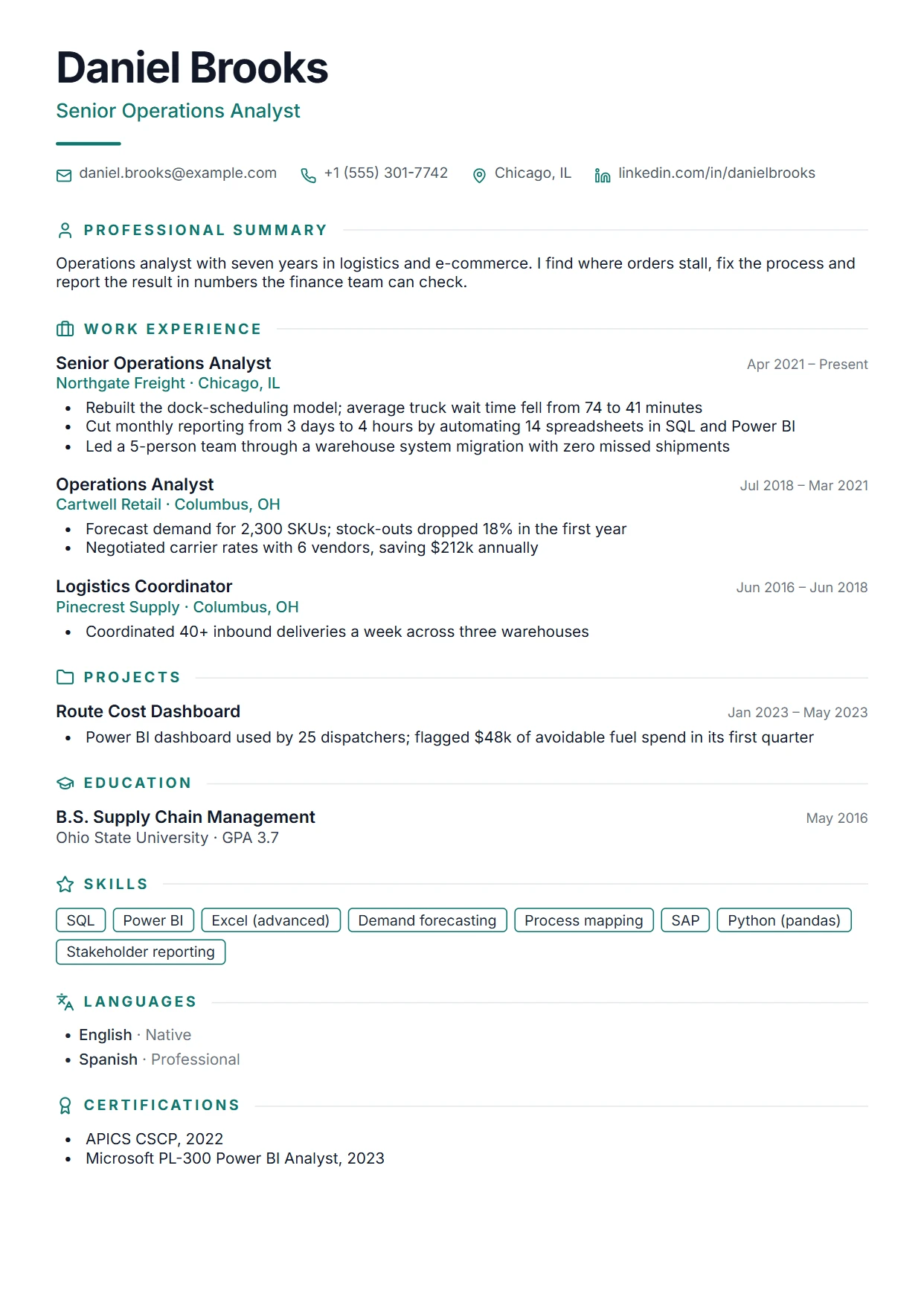
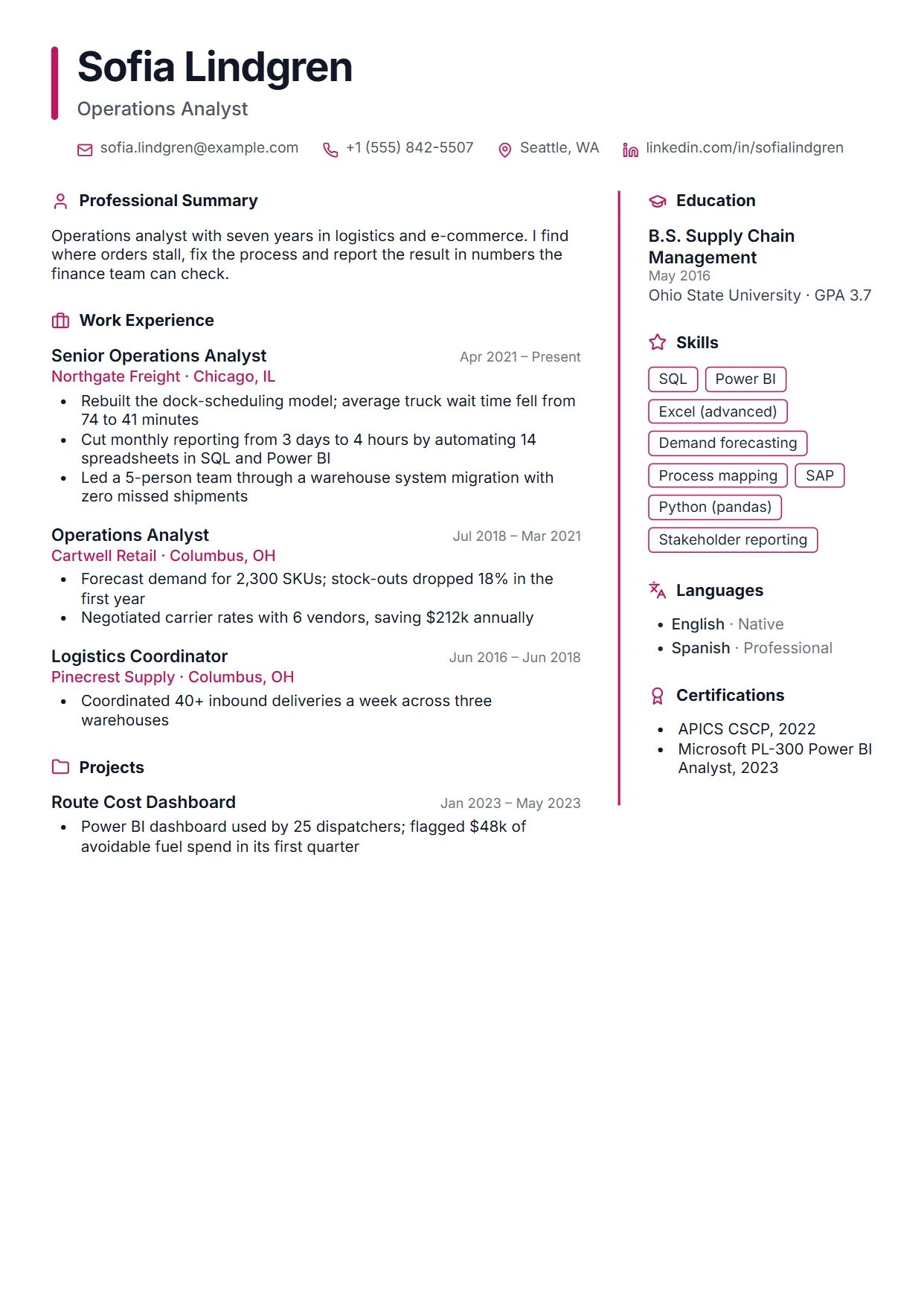
Clean single column with an accent rule and optional photo. Plain text throughout, built for ATS parsing.
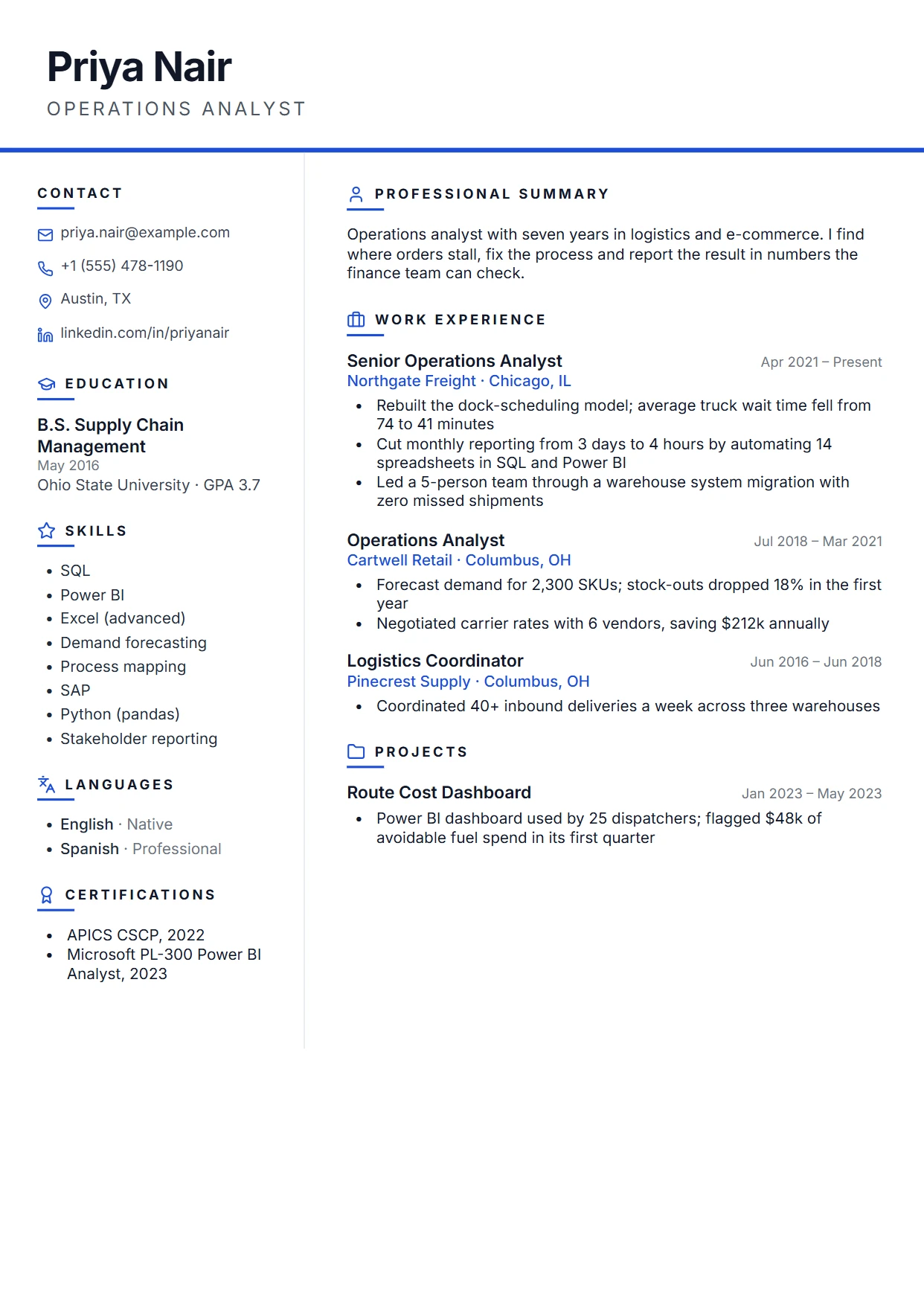
Two-column layout with a left rail. Drag any section between the rail and the main column.
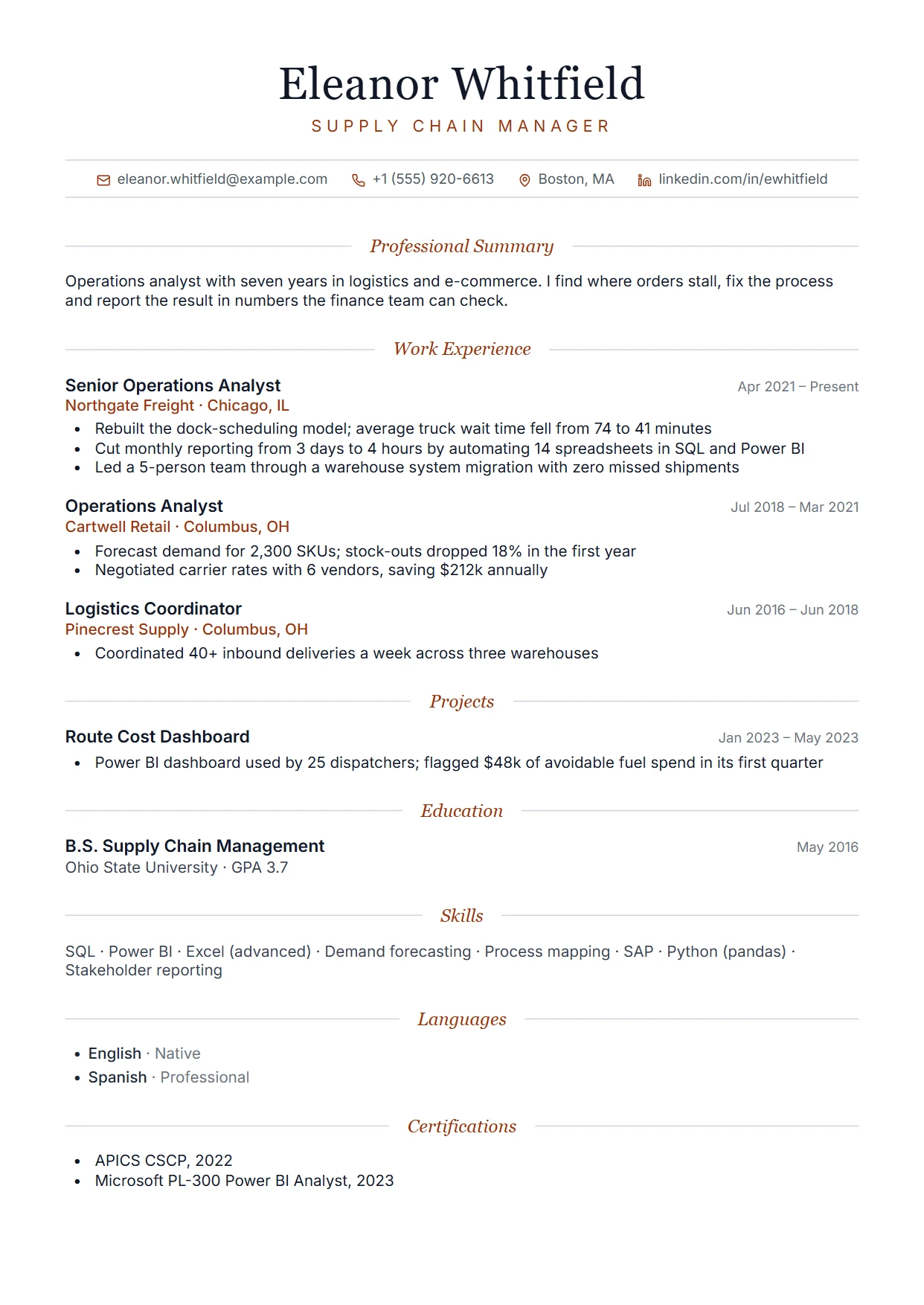
Centered, editorial layout with serif headings and hairline rules for a refined look.
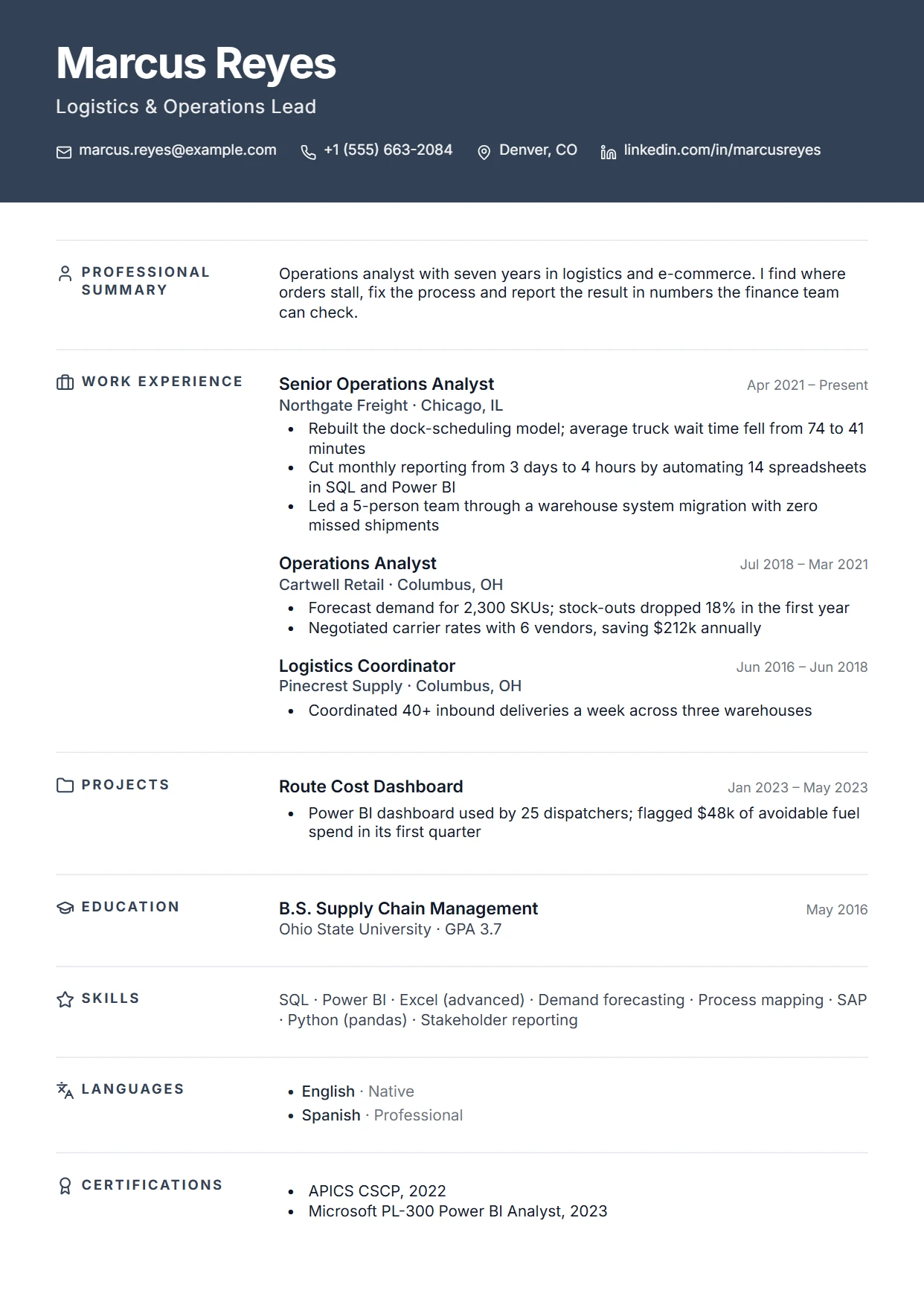
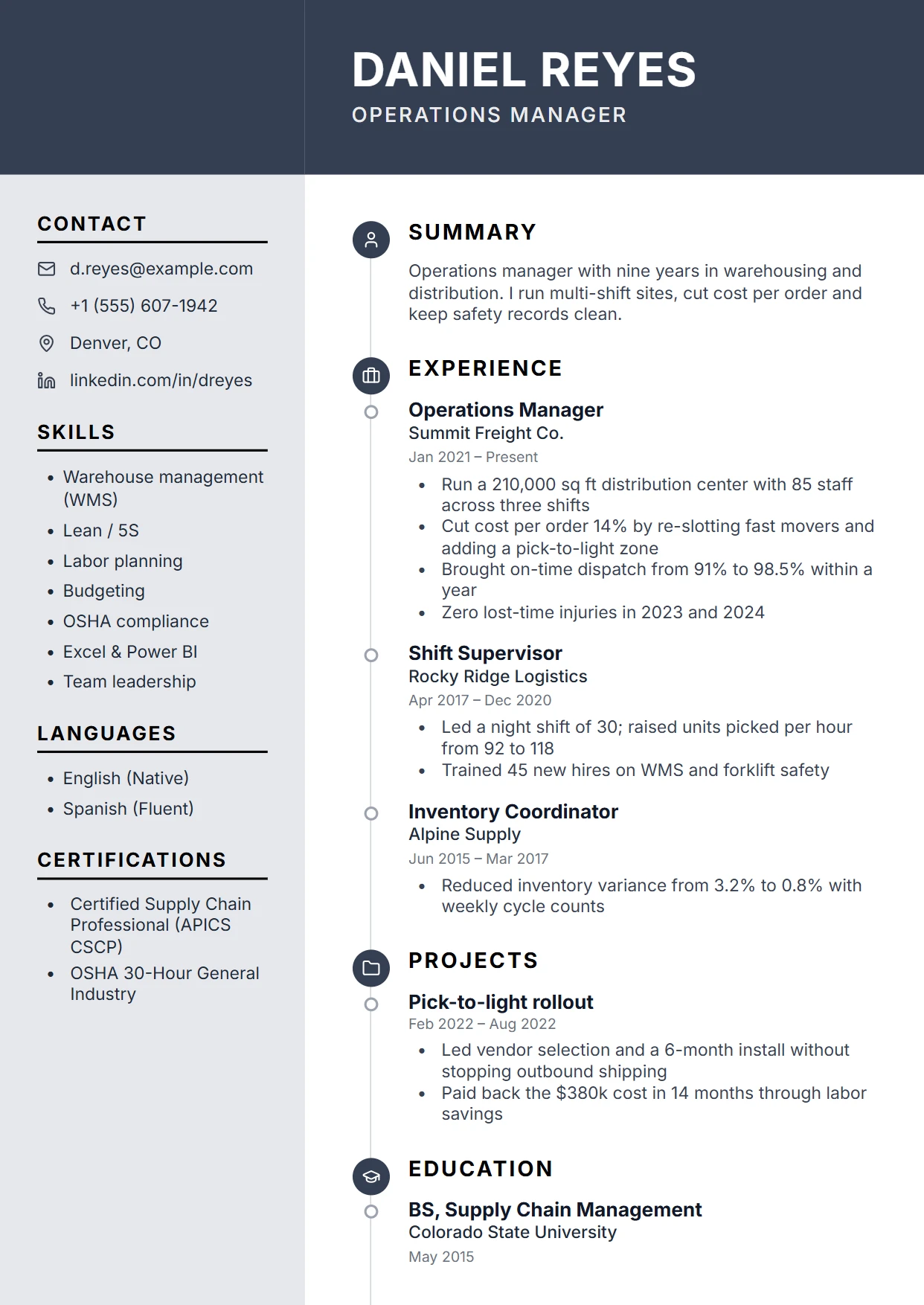
Full-width colored header band with section labels in a left column. Photo sits in the header.
Modern two-column layout with the sidebar on the right. Any section can move between columns.
A clean and professional design with clear sections.
A modern design with a sleek left sidebar and full-width top header.
A professional two-column resume with highlighted section headers and styled contact area.
A sophisticated and elegant resume design with refined typography.
A distinguished resume with centered header and accent bar sections.
High-density two-column layout for comprehensive resumes.
A classic, professional design for corporate roles.
An elegant and organized layout for executives.
A sleek, modern design with a splash of color.
Minimalist two-column layout for a clean look.
A stylish two-column resume with serif fonts.
Ultra-minimal design with maximum whitespace and subtle typography.
Modern timeline visualization for experience and education.
A bold and creative design that stands out.
Unique layout to showcase your personality.
Eye-catching colored header banner with modern skill pills.
A bold, vibrant resume with gradient accent bar, geometric dividers, and colorful skill badges.
A clean and straightforward single-column resume.
A two-column resume with a distinct left sidebar.
A resume with a light gray sidebar for key info.
A classic resume with a prominent header and photo.
Guide
What each style is good for, what you can change in the editor, and how to check the PDF before you send it.
Every template on this page is free to use and to download as a PDF, with no watermark. There are 26, in four styles: 10 Professional, 5 Modern, 7 Creative and 4 Simple. Use the filter above to see one style at a time. Preview shows a template full size, and Use Template opens it in the editor with sample content you replace with your own.
Start with where you will send it. Job portals and large-company career sites read the text out of your PDF before a recruiter sees it. A single-column layout is the safest choice there, because the text comes out in the same order you wrote it. Simple 1, Professional One, Modern One and Creative One are single-column. Two-column and sidebar designs, such as Classic Professional, Compact Professional, Modern Two and Simple 2, fit more on one page and suit a PDF you email to a person or hand over at a career fair.
Then match the template to how much you have to say. With a year or less of experience, a Simple template keeps one page from looking empty. With ten years or more, Compact Professional fits more lines per page, so you can stay on two pages without shrinking the text below 10pt. For banking, law or government roles, the Professional templates use plain headings and little color. For design, marketing or startup roles, a Creative template with a strong accent color is common.
In the editor you can set the accent color to any color, choose one of 9 fonts (Inter, Lato, Roboto, Open Sans, Georgia, Merriweather, Playfair Display, Source Code Pro, Lora), set the font size between 8 and 14pt and adjust line spacing. You can also pick A4 or US Letter paper, set the margins, and drag jobs, education entries and skills into a different order. Switching to another template keeps everything you have typed.
Before you send the file, upload it to our free ATS checker. It runs 50 checks on the PDF, such as whether your email address and phone number can be read and whether the section headings are recognised, and it tells you what to fix.